

Why USB Sticks Still Matter
In a world of cloud storage and streaming, the humble USB flash drive remains one of the most practical tools around. It works without an internet connection, needs no account or subscription, and plugs into almost any computer, TV, car stereo or game console in seconds.
Whether you want to back up important documents, move large files between devices, carry a bootable operating system or simply share holiday photos with friends — a USB stick does the job quickly, reliably and privately.
Popular Use Cases
- Backups of important documents and photos
- Transferring large files between computers without uploading them
- Bootable installers for Windows, macOS or Linux
- Portable apps and presentations for meetings and conferences
- Music and videos for car stereos, TVs and media players
- Secure offline storage for passwords, keys and sensitive data
USB Standards at a Glance
| Standard | Also known as | Max. interface speed | Typical stick read speed |
|---|---|---|---|
| USB 2.0 | Hi-Speed USB | 480 Mbit/s | 20–40 MB/s |
| USB 3.2 Gen 1 | USB 3.0 / USB 3.1 Gen 1 | 5 Gbit/s | 100–400 MB/s |
| USB 3.2 Gen 2 | USB 3.1 Gen 2 | 10 Gbit/s | 400–1,000 MB/s |
| USB 3.2 Gen 2x2 | SuperSpeed USB 20Gbps | 20 Gbit/s | up to 2,000 MB/s |
| USB4 | USB4 40Gbps | 40 Gbit/s | up to 3,800 MB/s |
Real-world speeds depend on the flash memory and controller inside the stick — the interface only sets the upper limit.
How to Choose the Right USB Stick
Capacity
For documents and presentations, 32–64 GB is plenty. Photo and music collections fit comfortably on 128–256 GB, while 4K video, system images and large backups call for 512 GB or even 1 TB and more.
Speed
Look at the manufacturer's read and write speeds, not just the USB version on the label. A fast USB 3.2 stick can copy a 4 GB film in under 30 seconds — a cheap USB 2.0 model may take several minutes.
Connector
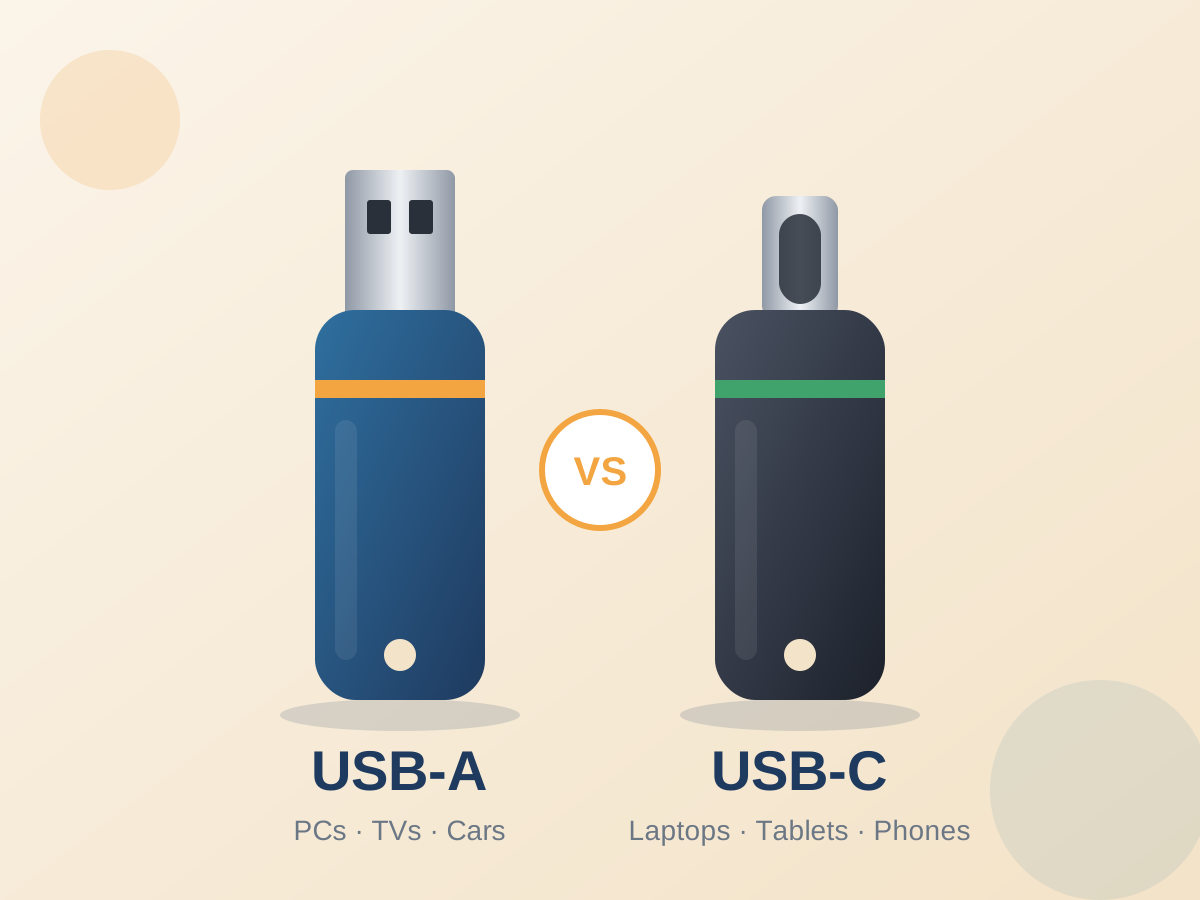
USB-A still dominates on desktop PCs, TVs and cars, while modern laptops, tablets and smartphones increasingly rely on USB-C. Dual-connector sticks with both USB-A and USB-C give you the best of both worlds.
Design & Durability
Metal housings and capless swivel designs survive daily life on a keyring much better than plastic caps that get lost. Water-, dust- and shock-resistant models are ideal for travel and outdoor use.
Which Capacity Do I Need?
| Capacity | Ideal for | Roughly fits |
|---|---|---|
| 32 GB | Documents, presentations, boot installers | ≈ 8,000 photos or 7 hours of HD video |
| 64 GB | Office work, music collections | ≈ 16,000 photos or 15 hours of HD video |
| 128 GB | Everyday all-rounder Most popular | ≈ 32,000 photos or 30 hours of HD video |
| 256 GB | Photo libraries, laptop backups | ≈ 64,000 photos or 60 hours of HD video |
| 512 GB – 1 TB | 4K video, system images, large archives | ≈ 20–40 hours of 4K video |
Estimates based on 4 MB per photo and about 4 GB per hour of HD video.
Keep Your Data Safe
USB sticks are small — and that makes them easy to lose. If you carry personal or business data, protect it:
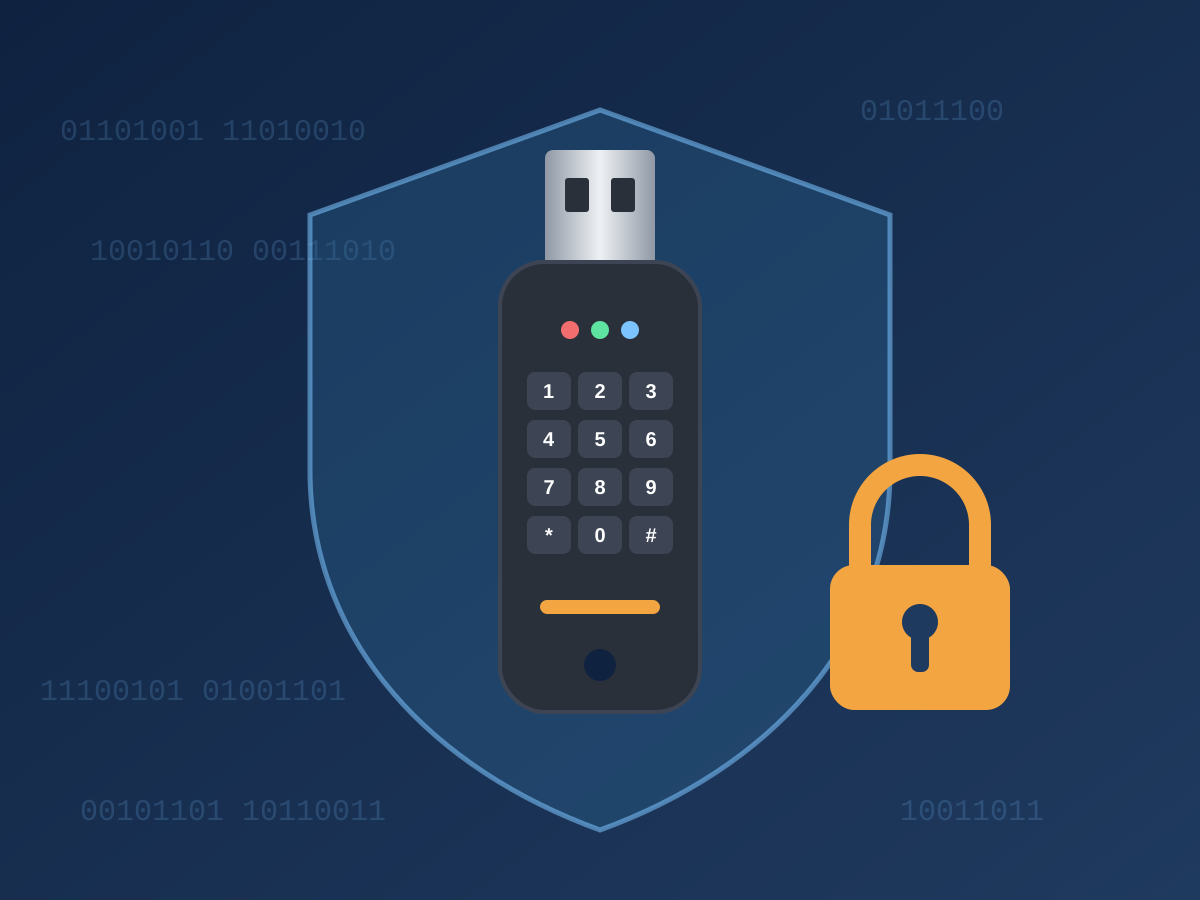
- Use encryption: Tools such as BitLocker To Go or VeraCrypt keep your files unreadable for anyone without the password.
- Consider hardware-encrypted drives: Models with a built-in keypad or fingerprint reader encrypt everything automatically, independent of the computer you use.
- Never plug in unknown sticks: A USB drive found in a car park can carry malware. When in doubt, leave it out.
- Keep a second copy: Flash memory can fail without warning. Important data should always exist in at least two places.
Tips for a Long USB Stick Life
- Always use Safely Remove or Eject before unplugging to avoid corrupted files.
- Choose the right file system: exFAT for files larger than 4 GB and cross-platform use, FAT32 for maximum compatibility with older devices, NTFS or APFS for single-platform use.
- Protect the connector from moisture, dust and bending — a cap or swivel cover helps.
- Avoid extreme heat, for example on a car dashboard in summer.
- Don't use a USB stick as your only long-term archive; refresh important data regularly.
Frequently Asked Questions
Is a USB 3.x stick compatible with a USB 2.0 port?
Yes. USB is backwards compatible — the stick will work, but only at USB 2.0 speed.
Why does my 128 GB stick only show about 119 GB?
Manufacturers count 1 GB as 1,000,000,000 bytes, while operating systems often count in binary units (1 GiB = 1,073,741,824 bytes). A small part is also used by the file system.
How long do USB sticks last?
Quality flash drives handle thousands of write cycles per memory cell and can retain data for years. For archival purposes, check and refresh your data every couple of years.
USB stick or external SSD?
For pocket-sized convenience and occasional transfers, a USB stick is perfect. For daily heavy use, large video projects or maximum sustained speed, a portable SSD is the better choice.
Get in Touch
Questions about capacities, bulk orders or custom-branded sticks? Send us a message — we usually reply within one business day.